Buying Guide TVs
📋 About This Guide
This TV buying guide is written by Euronics and is approved by our product specialists. It covers every major decision point for UK customers buying a new TV — from screen size and display type to refresh rate, smart features and budget. It is updated regularly to reflect current technology and available ranges.
How to choose the best TV for your home
| What | Why |
|---|---|
| Start with screen size | Measure your viewing distance before anything else |
| Match display type to your room | Choose OLED for darker rooms, QLED/Mini LED for brighter ones |
| Choose your resolution | 4K is adequate for most homes in 2026 |
| Check HDMI ports and apps | Ensure the TV has everything you need before you buy |
| Audio | Add a soundbar if quality matters, as thinner TVs often benefit from one |
The best TV is not simply the largest or most expensive model. Start with where it will go, how you watch and what you actually need — then find the display type, resolution and features that match. For most UK homes, a well-sized 4K TV with strong smart features, the right screen type and enough HDMI ports will deliver the best long-term value.
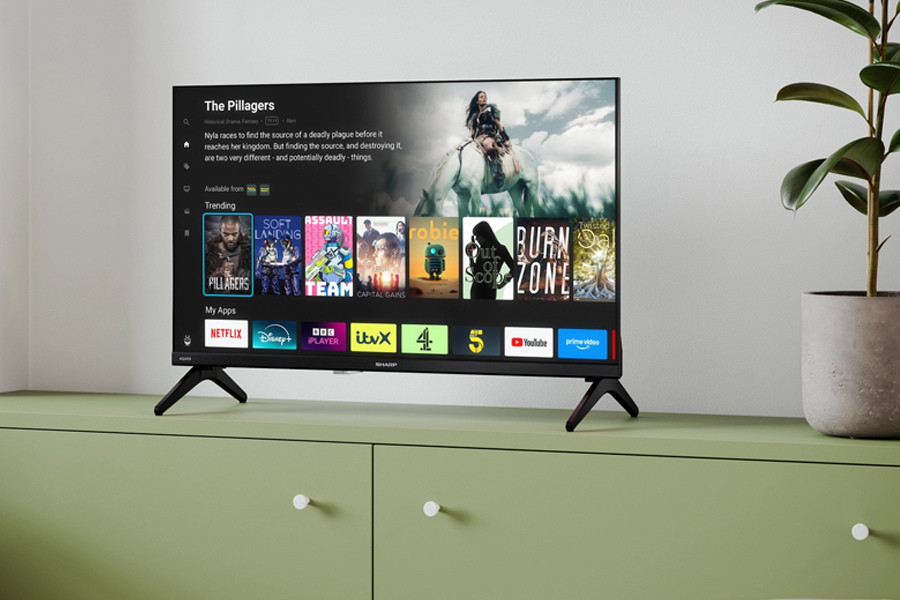
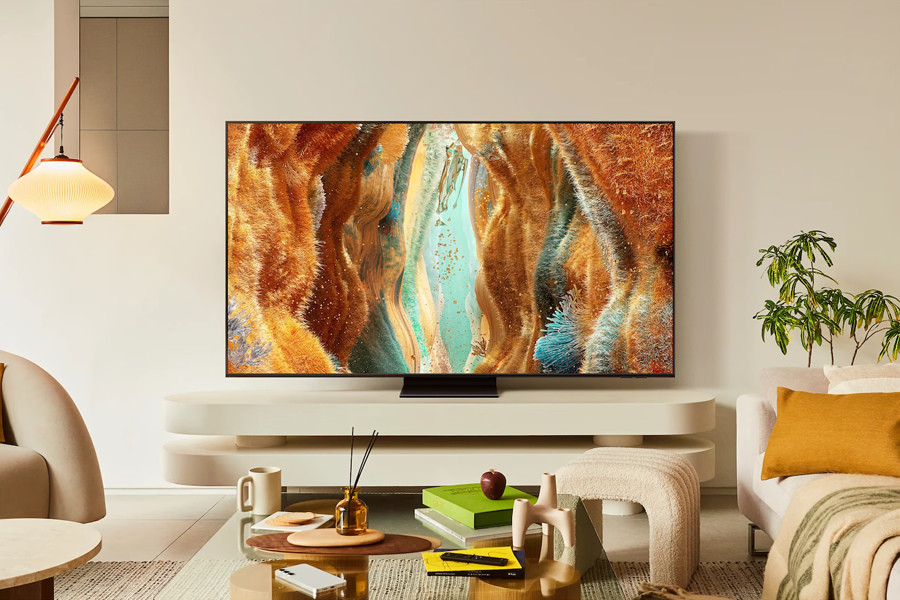
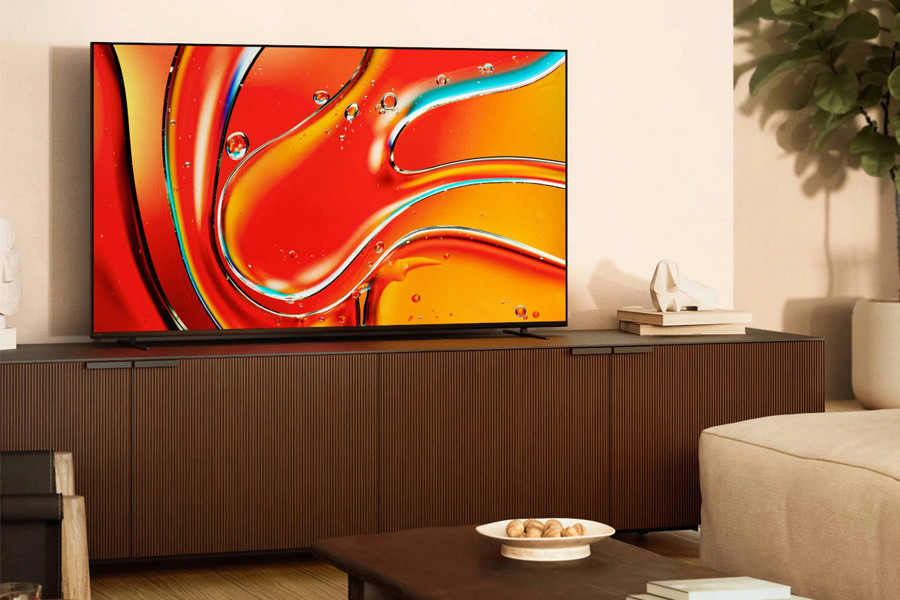
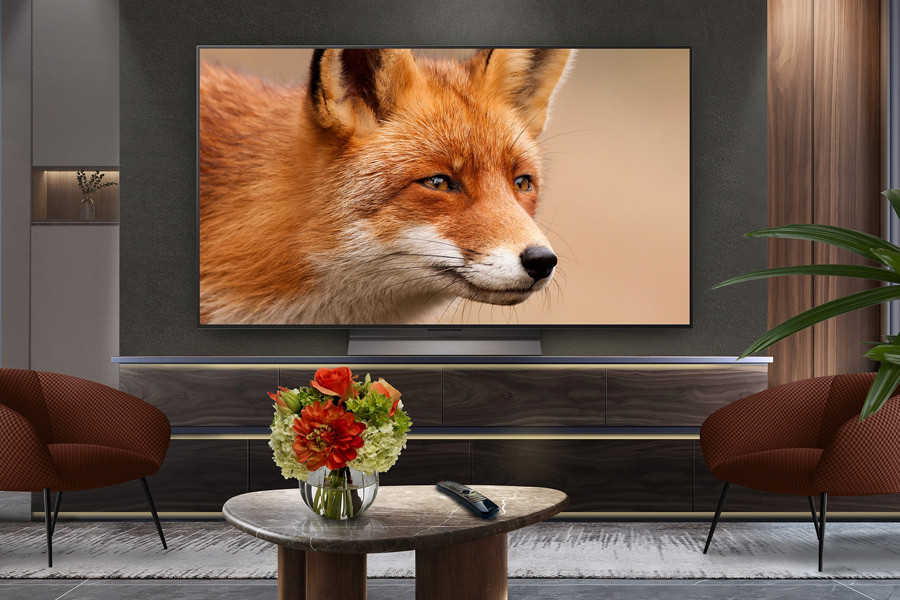
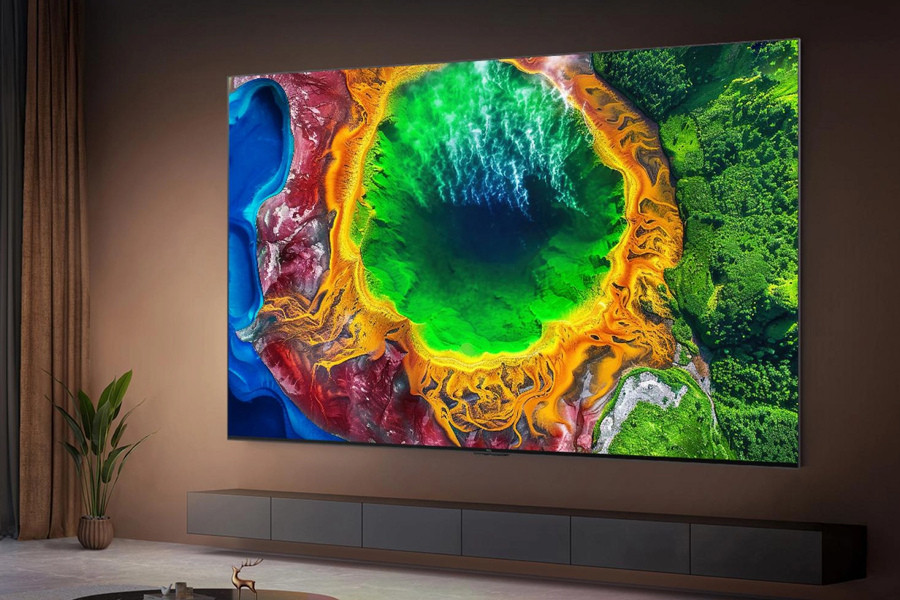
The right TV depends on four things: where it will sit, how far you sit from the screen, what you watch most, and what you want to spend. A large OLED TV suits films in a darker room. A bright QLED or Mini LED is better for a sunny living room. Gamers need 120Hz and HDMI 2.1. General viewers usually get the best value from a well-sized 4K LED TV.
Use this guide to compare screen sizes, display types, resolutions, smart features and budgets before you buy.
Quick TV decisions: Find your TV in 60 seconds
| What you want | TV to choose | Why it works |
|---|---|---|
| Best picture for films | OLED TV | Superior contrast, deep blacks and detail — especially in darker rooms |
| Bright living room viewing | QLED or Mini LED TV | Higher peak brightness keeps the picture clear in daylight |
| Best value for everyday watching | 4K LED TV | Strong picture quality at a more accessible price point |
| Gaming (PS5, Xbox Series X, PC) | 120Hz TV with HDMI 2.1 | Smoother gameplay, faster response and full support for modern consoles |
| Bedroom or smaller room | 43–50 inch TV | Comfortable viewing without dominating a smaller space |
| Cinema-style setup | 65 inch or larger | More immersive for films, sports, and family viewing together |
Best TV for sport
The best TV for sports is one with a high refresh rate, good motion handling, and high brightness. Watching sport in a bright room tips the balance towards QLED or Mini LED over OLED.
Best TV for gaming
The best TV for gaming is one with a 120Hz refresh rate, low input lag, HDMI 2.1, VRR (Variable Refresh Rate) and ALLM (Auto Low Latency Mode). These features matter if you use a PlayStation 5, Xbox Series X or a gaming PC. Do not rely on a TV being labelled "gaming TV" alone — check the spec sheet.
Best TV for bedrooms and smaller rooms
The best TV for a bedroom or smaller room is a 32–50 inch model, chosen based on the actual viewing distance and where the TV will be positioned. Smart TV features are particularly useful in bedrooms because they reduce the need for extra boxes or cables. If you plan to wall-mount, check the VESA size and cable routing before buying.
How to choose a TV in five steps
What size TV should you buy? Screen size and viewing distance guide
The right TV screen size depends on how far you sit from the screen. Screen size is measured diagonally — a "55-inch TV" measures 55 inches from corner to corner. For 4K models, the recommended viewing distance is 1.5 times the vertical height of the screen, and HD models require 3 times the vertical height*.
Use the table below to find the right size for your room.
*Source: Sony
| Viewing distance | Recommended TV size | Typical setting |
|---|---|---|
| Up to 1.7 metres | 32–43 inches | Bedrooms, kitchens, compact rooms |
| Up to 1.9 metres | 43–50 inches | Small living rooms and bedrooms |
| Up to 2.1 metres | 50–55 inches | Most UK living rooms |
| Up to 2.3 metres | 55–65 inches | Up to 2.3 metres 55–65 inches Family viewing, sport and films |
| 3 metres or more | 65 inches and above | Large rooms and cinema-style setups |
A 55-inch TV is the most popular choice for UK living rooms. A 65-inch model is worth considering for larger spaces, family viewing or a more immersive experience. For bedrooms, a 43–50-inch TV usually feels well-proportioned without being overwhelming.
OLED vs QLED vs Mini LED vs LED: Which display type is best?
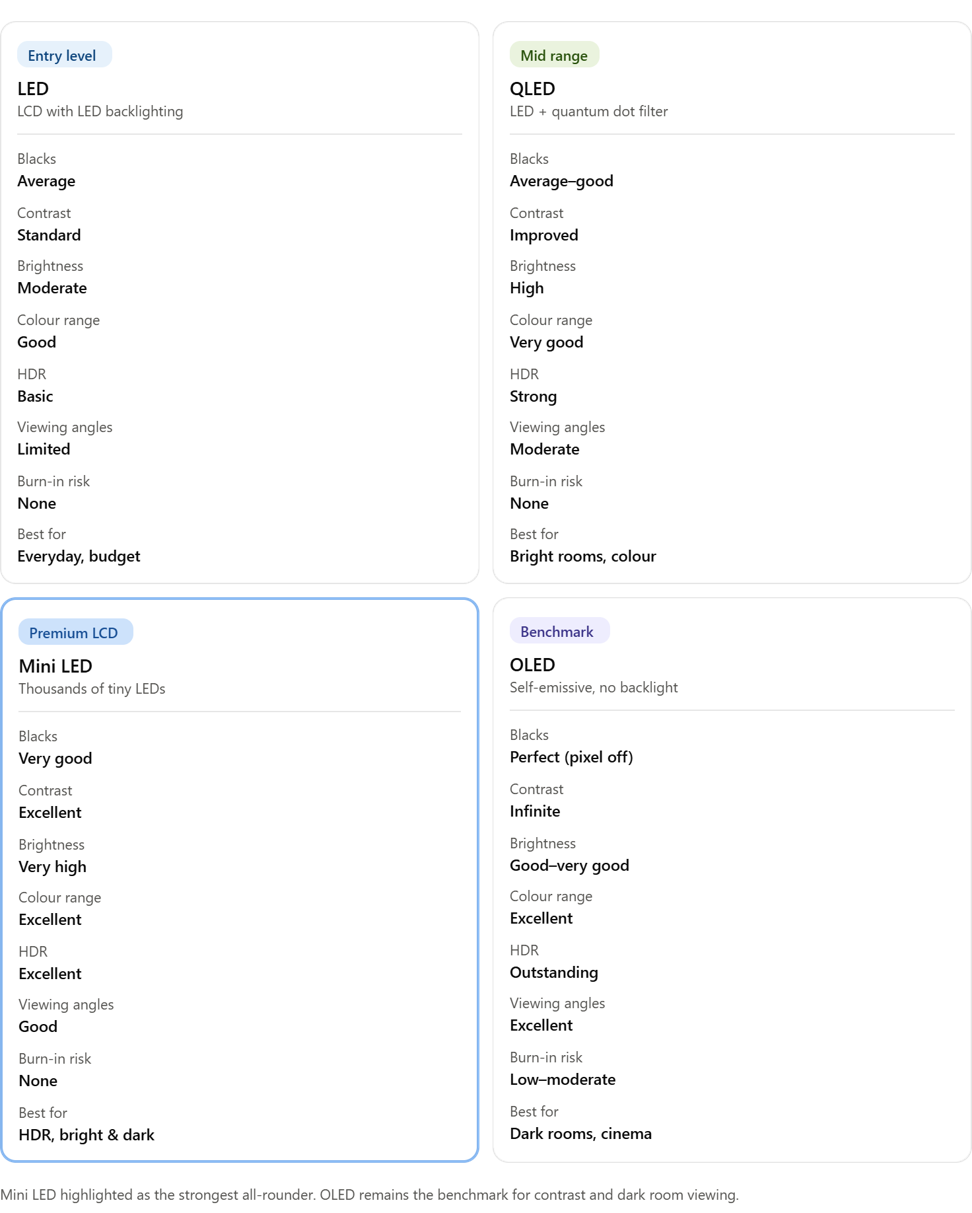
Display type determines brightness, contrast, price, and how well the TV performs in different room lighting conditions. This comparison covers the four main options available in the UK market. RGB is not included in the grid above because it is the underlying colour model used by the other screen technologies, and not a comparable display technology.
💡 Simple Recommendation
Choose OLED if contrast and film-like picture quality matter most, and the room is not excessively bright. Choose QLED or Mini LED if the TV will sit in a bright living room or if you watch a lot of sports. Choose LED if value and screen size matter more than premium contrast.
Resolution, HDR and Refresh Rate explained
Smart TV features, apps and connectivity: What to check before you buy
Most new TVs sold in the UK are smart TVs. Before buying, confirm that the TV supports the streaming apps and live TV platforms you use most.
| Feature to check | Why it matters | What to look for |
|---|---|---|
| App support | Ensures your favourite streaming services work without extra hardware | BBC iPlayer, ITVX, Channel 4, My5, Netflix, Prime Video, Disney+, YouTube |
| Freeview Play | Free UK live and on-demand TV from major broadcasters built-in | Look for the Freeview Play logo |
| Wi-Fi | Wireless streaming without an Ethernet cable | Wi-Fi 5 (802.11ac) or Wi-Fi 6 for faster and more stable connections |
| HDMI ports | Connecting set-top boxes, consoles, soundbars, and Blu-Ray players | Minimum three ports; check at least one is HDMI 2.1 for gaming |
| HDMI eARC | High-quality audio passthrough to a soundbar | Present on most recent TVs; confirm if using a premium soundbar |
| Bluetooth | Wireless headphones, speakers and peripherals | Useful for late-night viewing without disturbing others |
| USB ports | Playing media from USB drives or powering devices | One to two USB ports are standard on most models |
| Freely | Allows you to watch TV over Wi-Fi – no aerial needed | Brands with the Freely logo, such as Metz and Sharp |
📺 TV Licence Reminder
A UK TV Licence is required to watch or record live TV on any channel or service, and to use BBC iPlayer. This applies regardless of the device used. Visit gov.uk/tv-licence for full guidance. Euronics recommends confirming licence requirements before purchase if you’re unsure.
Sound, wall mounting and accessories
Accessories worth considering
| Accessory | When to consider it |
|---|---|
| Soundbar | If you watch films, sport or drama regularly, or sound quality matters |
| Wall bracket | If you want to mount the TV on the wall |
| HDMI cable | If the TV does not include one, or you need a longer run |
| Surge protector | To protect the TV from power spikes |
| Streaming stick | If the built-in smart TV platform is limited or you prefer an alternative |
How much should you spend on a TV?
The right TV budget depends on screen size, display type and how much picture quality matters.
| Budget | What to expect | Best for |
|---|---|---|
| Under £500 | Smaller to mid-size 4K LED TVs with essential smart features and basic app support | Bedrooms, casual viewing and budget-conscious households |
| £500–£1,000 | Larger 4K TVs with better brightness, stronger processing, more HDMI ports and gaming readiness | Main living room TVs and most family households |
| £1,000–£2,000 | OLED, premium QLED and Mini LED TVs with stronger contrast, motion handling and design | Film lovers, gamers and premium living room setups |
| £2,000+ | Flagship OLED, very large screens and 8K options | Cinema-style home setups and buyers for whom picture quality is the priority |
💡 Value Tip
Do not pay extra for one standout specification if the rest of the TV is weak. Screen size, panel quality, brightness, motion handling, HDMI port count and audio should be considered together. A balanced mid-range TV will often outperform an entry-level model that leads with a single headline number.
Things to consider before purchase
- Buying the largest TV available without measuring the viewing distance or wall space first.
- Ignoring the HDMI port count and running out of connections after setup.
- Choosing OLED for a very bright room without accounting for reflections and peak brightness needs.
- Overlooking sound quality, then finding dialogue is hard to hear on a slim TV.
- Buying a "gaming TV" without confirming HDMI 2.1, 120Hz, VRR and ALLM in the spec sheet.
- Not checking the TV stand width before buying — it must fit the furniture it will sit on.
- Buying based on brand loyalty alone without comparing value at the price point.
FAQs
Browse our full range of TVs at Euronics and find the right model for your space, budget and viewing style.